The question has come up a few times recently about what UUIDs are and what they’re good for. In this quick answers post I explain what they are and provide reference links to further material, as well as a Hasura Short video to implementation and use in Postgres & Hasura.
A Hasura Bit
“A Hasura Bit – What sit he UUID column type good for and what exactly is a UUID?” video.
UUID
UUID stands for a universally unique identifier. Another term which is common for a UUID, is the GUID, or globally unique identifier, which is the common term Microsoft created for their UUIDs. Just know, that a GUID is a UUID, it’s just company naming convention vs the standard industry naming convention.
UUIDs are standardized by the Open Software Foundation (OSF) as part of the Distributed Computer Environment (DCE). Specifically UUID are designed and used from an USO/IEC spec, which if you’d like to know more about the standards they’re based on check out the Wikipedia page @ https://en.wikipedia.org/wiki/Universally_unique_identifier
UUID Format
The canonical textual representation, the 16 octets of a UUID are represented as 32 hexadecimal (base-016) digits. They’re displayed across five groups separated by hyphens in 8-4-4-4-12 format. Even though there are 32 hexadecimal digits, this makes a total of 36 characters for format display. If storing as a string for example, the string needs to be able to hold 36 characters.
Uses for a UUID
The first key use case for a UUID is to have something generate the UUID to use it as a completely unique value for use with a subset of related data. UUIDs are prefect for primary keys in a database, or simply any type of key to ensure uniqueness across a system.
UUIDs can be generated from many different origin points too without any significant concern for collision (i.e. duplicate UUIDs). For example, the database itself has database functions that enable the generation of a UUID at time of a data row’s insertion, as a default value. This means a client inserting data wouldn’t need to generate that UUID. However this can be flipped over to the client side as a responsibility and the client side development stack (i.e. like Go UUID generation) can generate the UUID. Which then enables the creation of a primary key entity being created with a UUID as the primary key, that can then be used to create what would be foreign key items and so on down the chain of a relationship. Then once all of these are created on the client side they can all be inserted in a batch, and even if ordered appropriately can be made transactional to ensure the integrity of the data.
Recently Jens Dahl Møllerhøj wrote to me about a post he wrote on the topic of many to many tables and a convention around how they could be named. I read the post and indeed, very good observation of language and how we ought to name many to many relationship based tables, or junction tables. Give it a read at “How to Name Your Junction Tables“.
Also in the original post a few comments and notes have been made about database naming conventions. Here is a short list of those:
Generally, many if not most database administrator’s prefer naming of tables be singular items. Like “user”, “address”, or “item”. Some prefer plural like “users”, “addresses”, or “items”. Pick one, stick to it.
More than a few tools take singular table names and will pluralize them or the object arrays/entities that are returned, be aware of this and know the effect your naming strategy may have on this feature and practice.
Most would prefer lower case naming for database objects as it prevents the need for quotes and other syntax in the SQL statements. Making statements much easier to write if one doesn’t need to quote every table, schema(namespace), column, and related items because it has uppercase characters. Yes, this does make picking a convention a bit tricky, but see the next item to simplify things.
Compound names should largely be avoided for column and table names. This prevents the naming conventions conflicting with the need for lowercase naming.
While developing your schemas and naming conventions, here’s another addendum of do and do nots for postgres.
That’s it for now. More comments, ideas, thoughts, complaints, or opinions about naming things in databases or naming objects and such in programming, let me know @Adron or leave a comment below.
I’ve been organizing conferences (with other awesome organizers of course, it’s never a singular person getting that work done!) for a long while now and they’re what they are. Then along came the pandemic and splat, in person conferences became extinct. I’m sure they’ll be back, but I’m not entirely sure they ought to come back. At least, they ought not come back in the same way they existed pre-pandemic time.
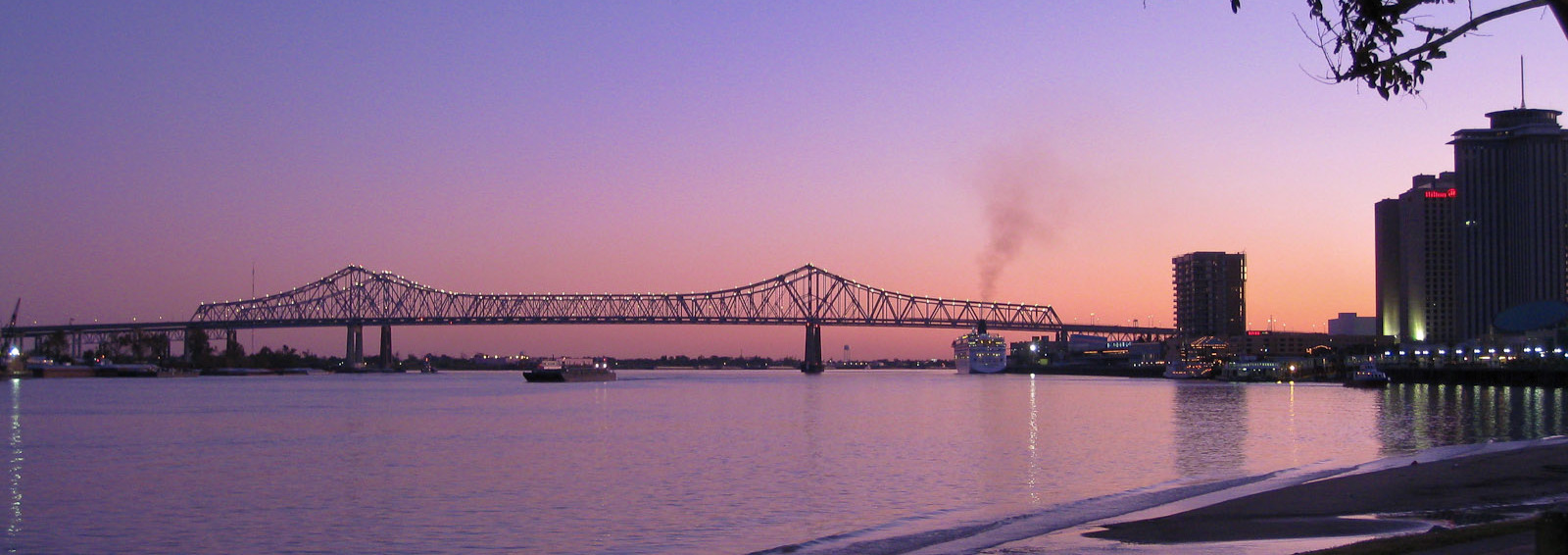
Mississippi River in New Orleans along the ole’ Crescent
There’s another type of get together that I’ve been thinking of that I’m really excited about. This experience, I was fortunate enough to experience a bunch of years ago in New Orleans with an awesome group of folks. To add a little context to this, I lived in New Orleans for a good while and grew up about 45 minutes from the city across the state line in Mississippi. With that, I feel like I’ve got a little bit of context for living the New Orleans lifestyle. I must add, it is distinctively and specifically a very unique lifestyle among these United States. Living a New Orleans life is like nothing else in these United States, not even remotely!
When I lived in the area I loved many aspects of this city and there were aspects that I was not happy with. The city has a few parts that make the famous south side of Chicago seem like a peaceful hippy village, but on the other side of the spectrum New Orleans has an intense passion and love among its people. The city is amazing, beautiful, and honestly a marvel of engineering (it’s below sea level). This city, always standing as a monument to passion, music, love, and more is prominent throughout the city. This passion and love of life itself is a positive among positives that in the end, vastly outweigh any of the negatives.
A Dose of That NOLA Life
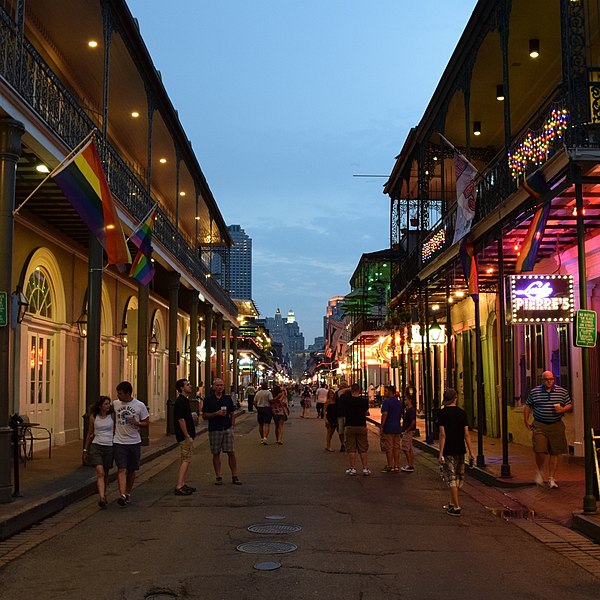
It’s that famous street y’all!
This adventure I experienced a number of years ago went something like this. In 2010 I had a conference to attend where I was going to speak about various data analysis techniques, coding project ideas, and related technologies around web and data analytics. At the time I worked for a company called WebTrends with a solid bunch. The conference was all set and would be a great time, but it wasn’t the key experience of this trip.
Some friends with a business startup that also were attending the conference decided to rent a house down near Decatur Street. They rented this house and turned it into a coder’s house for a full week! It was a wildly entertaining, enjoyable, unique, and worthwhile experience to undertake. In addition we were wildly productive! Implementing a number of features, swarming on some ideas, and writing up a number of ideas for future implementation while thinking out the design in a great thorough way. It was spectacular!
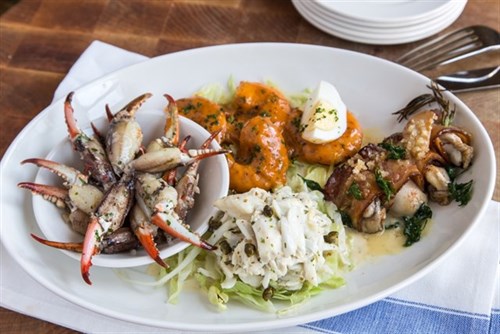
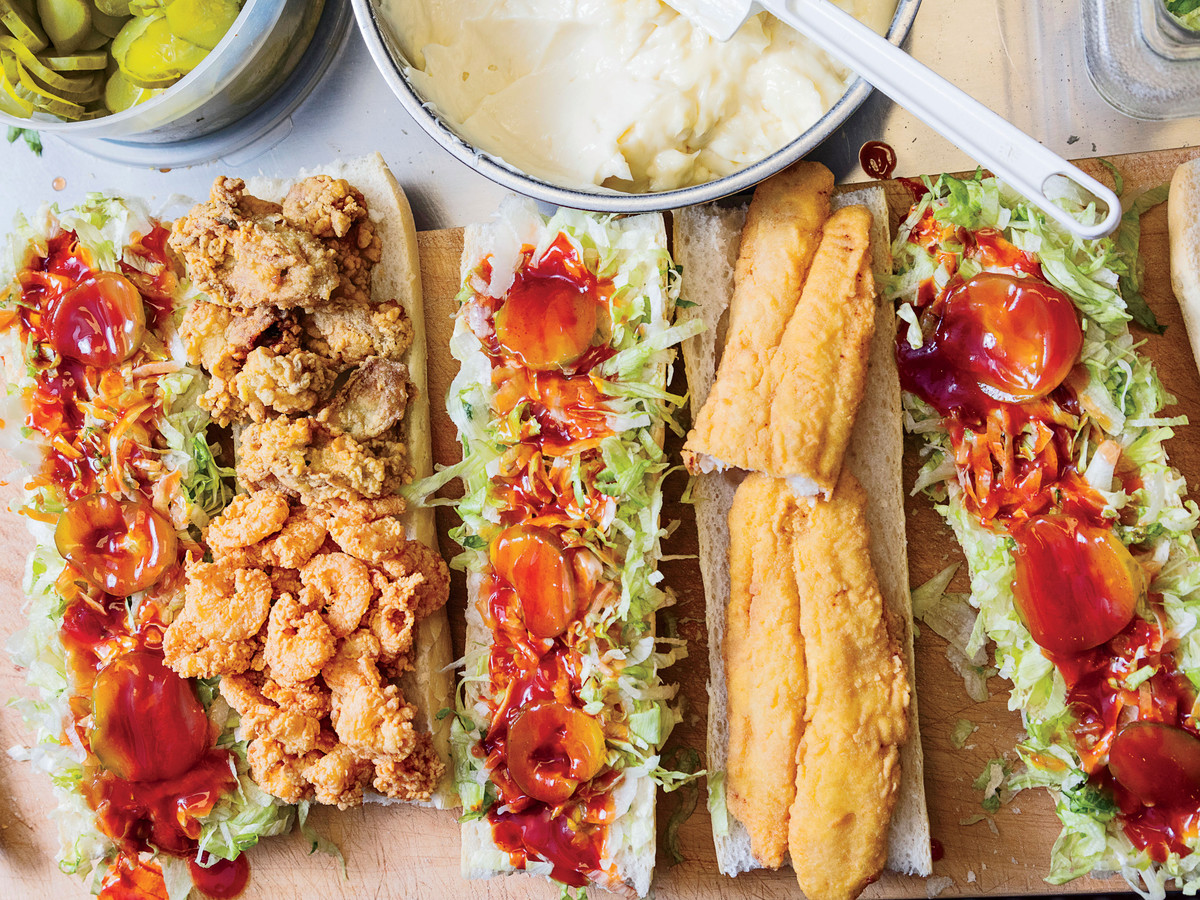
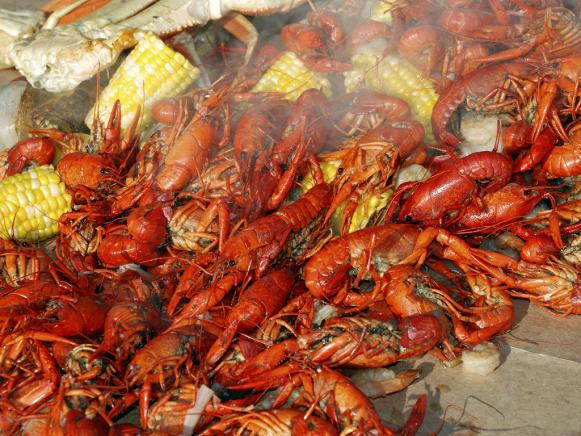
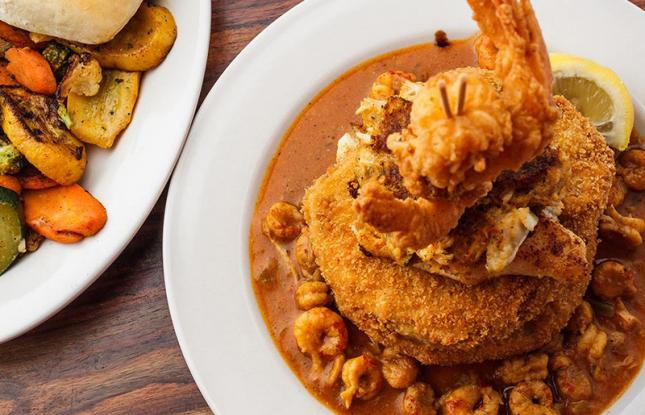
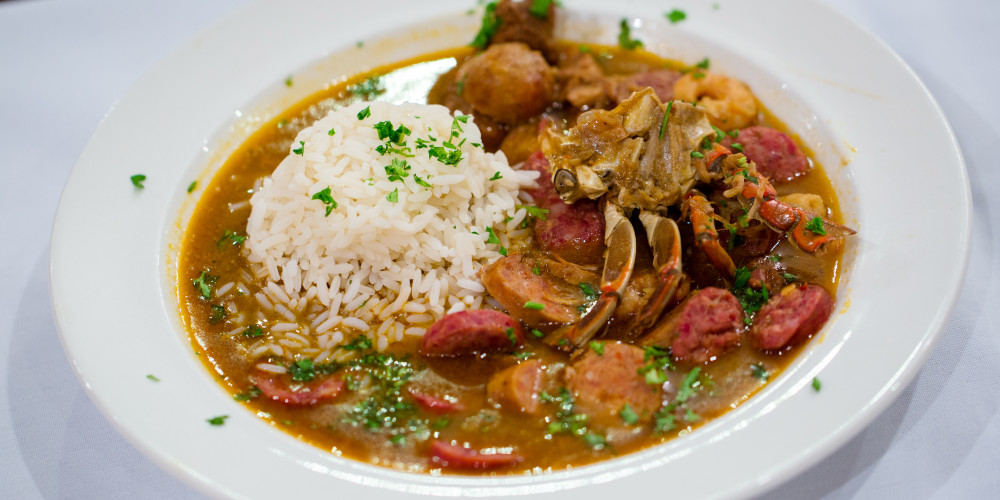
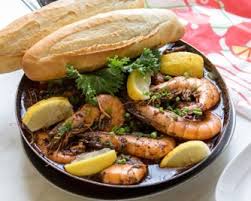
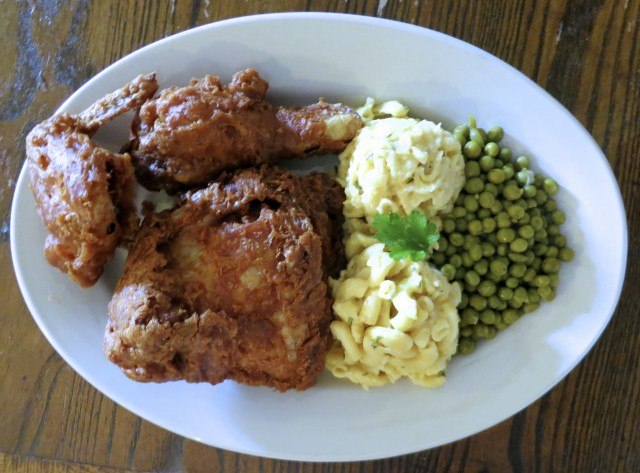
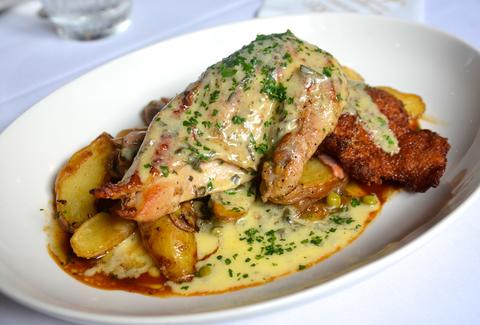
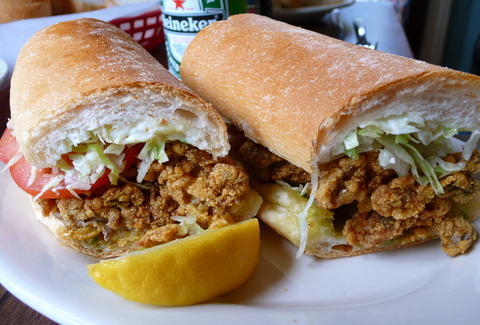
But there was more, much more to this truly excellent trip. We had access to New Orleans after all which is well known for truly epic food – arguably some of the best options – to explore flavors, tastes, and truly expansive ideas in foodie explorations! The local creole food, the surrounding local southern food, and the combinations therein are unto themselves not comparable in any other part of the United States. Also no, New York, San Francisco, Portland, or anywhere doesn’t even come close in food comparisons and I’m not even going to engage in that silliness. New Orleans food is a culinary delight in it’s own world ranking! As can be see below…
In addition since I knew the city well there were streets to walk, places to explore such as Jax Brewery, the markets, the levies along the riverfront, a riverwalk that’s great, steamship paddle wheelers that traverse the Mississippi river for some amazing explorations, views, and food too!
Ok, ok, ok so that’s a lot of me telling you about the awesomeness of New Orleans. If you’re not into the idea of exploring or visiting the city I can’t really do much more to sell you on the trip. But the next aspect of this post I’ll detail an idea of forming a krewe to head south to the city of New Orleans, build awesome software, eat wonderful food, and generally live the relaxed life for a solid week or so. The idea is this krewe will be a parade of its own that’ll setup shop and live this for the escape, the celebration, and the experience of it all! If this sounds interesting to you, read on, here’s the details.
How This Would Work
For some, we’d join onboard the City of New Orleans, the Crescent, or the Sunset Limited into New Orleans. For others the option of choice may be to fly into the Louis Armstrong Airport or even take the train in from Chicago, Memphis, or other place onboard the City of New Orleans or out of Washington DC, Charlotte, Atlanta, Montgomery or elsewhere onboard the Crescent. Upon arriving we’d converge at the house or houses we’d choose for this adventure where we’d live for the week and get setup for the projects we’d do during the week. That night we’d gather for a grand dinner at our first excellent destination.
Day one dinner at Lil Dizzy’s Cafe & Coding Plans
The first day we’d all get breakfast at Lil Dizzy’s Cafe or somewhere thereabouts. There we’ll get fueled up with a most epic food win and then depart to gather to plot what we’ll create for the week. This is when we’d get a full plan and some goals together as a group. Decide if we want to break out further into groups (depending on our overall group size) and such. We’d find a good place (likely organized well before the trip) and gather there, post-wicked-awesome-amazing good breakfast, and get into all this. This one goal, would be the goal for day one!
Looking at that sinking (yes, by almost an inch per year!) Central Business District in New Orleans!
Day two rolling in… later rise, more good food, and coding time
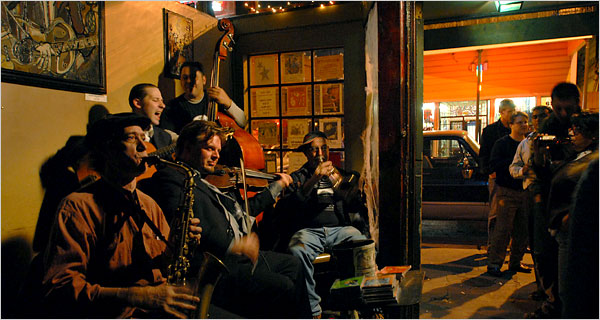
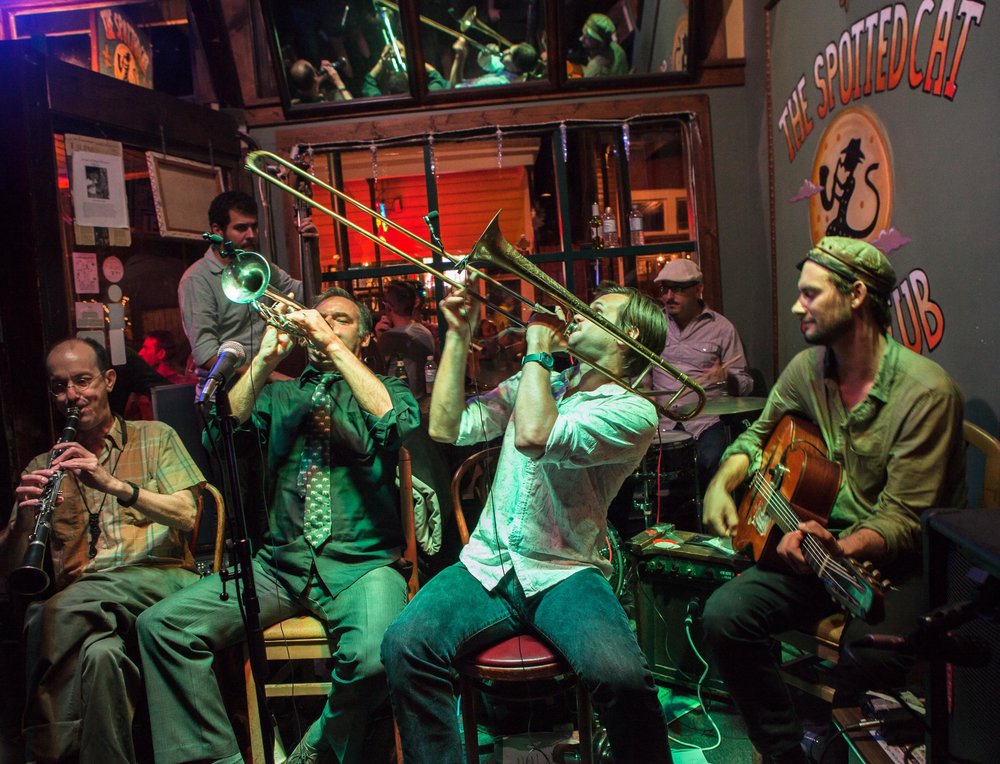
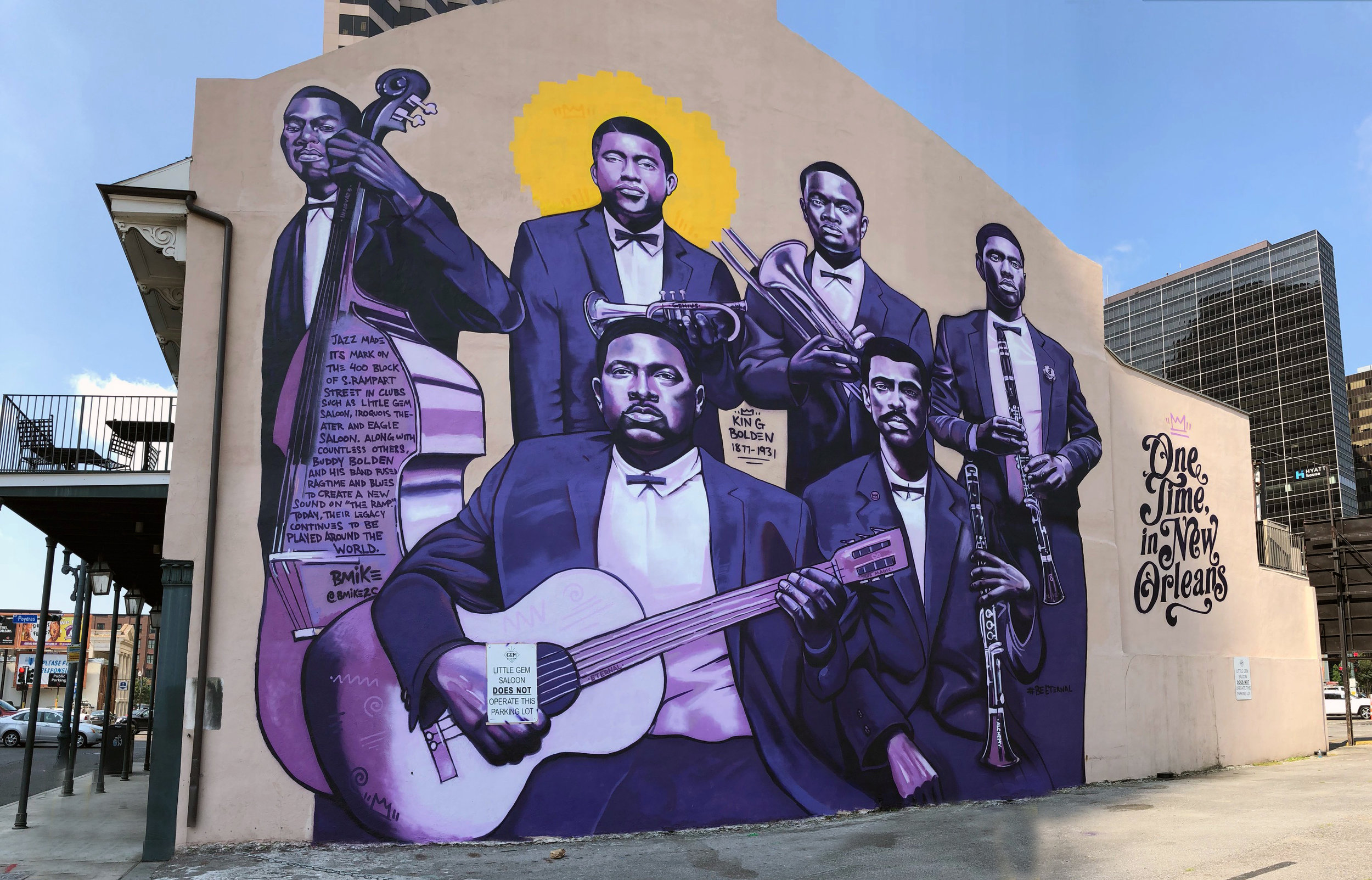
Day two rolling in. We’d rise a bit later, get some piping hot coffee and maybe a kicker at Cafe Du Monde for the start of day two. Once collected we’d gather for some day hacking or maybe checking out the brewery blocks (it’s more than just breweries, just sayin’). Then we’d get in some evening coding, building, and creating then back into some food and entertainment of whatever sort for the evening. Possibly some jazz at Julius Kimbrough’s Prime Example, Little Gem Saloon, or the Spotted Cat. Either way, a good time and good evening however we want to slice and dice it up.
Day three, onward and forward and advance!
Day three and onward would continue along this theme. Dynamic organization with a loosely coupled and loosely designed scheduled workflow. Mostly to keep it flexible to live NOLA while we’re there. All the while we get to build something as a krewe (team, crew, cohort, however you’d call the group)!
This would continue for the rest of the week. I’ll have more ideas, more to this proposal, more to this trip coming in subsequent blog posts. This post has one purpose, to get the idea introduced to you dear reader and to start the conversation about getting this event put together. If you’d be interested in this idea, please reach out to me via Twitter @Adron, or you can message me via my Contact Form, or if you have some other means – txt me, sms me, slack me, or whatever – that’ll work too. Whatever the medium, let’s get a conversation started about traveling down to the Crescent City for an EPIC week of food, life, music, and hacking together a solution for whatever it is we create!
For more on this, follow me on Twitter, stay tuned here on the blog, and eventually we’ll get an organizing krewe together and start getting together more specifics, like dates and travel times, core ideas, and more.
Cheers!
References:
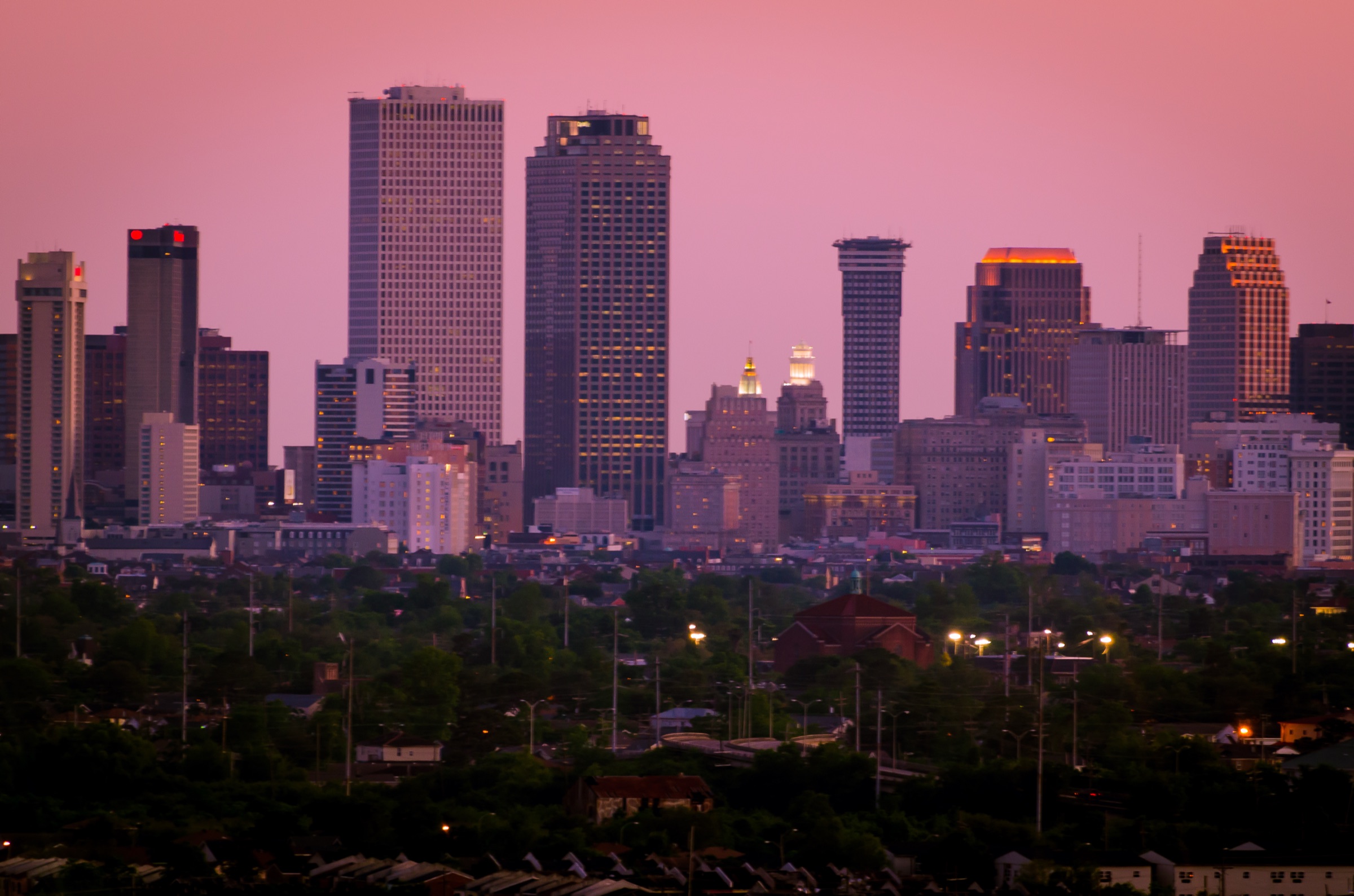
New Orleans skyline as featured image above is from Wikipedia Commons.
I did try to make sure there wasn’t rights issues with all those glorious food pictures, but will fix if anything is contested.
Today at Hasura we released Hasura v2.0! This is a pretty major release with a number of new features that will dramatically increase the capabilities for Hasura. For several of my projects, specifically the infrastructure as code projects terrazura (check out the previous blog post w/ video time points and more) and tenancy-bydata I was able to get the upgrade to Hasura v2.0 done in moments! Since I don’t have to pull backups or anything for these projects, it merely involved the following steps.
Upgrade the Hasura CLI. This is super easy, just issue the command hasura update-cli --version v2.0.0-alpha.1. This command will then download and update the CLI.
Next I updated the Terraform file so the container pulls the latest version image = "hasura/graphql-engine:v2.0.0-alpha.1".
Next run an updated terraform apply command, which in my case is this command in the case of the terrazura project for example.
Boom! Everything is now updated to v2.0 and we’re ready for all the upcoming Twitch streams relating back to these particular projects!
For more, be sure to subscribe to the HasuraHQ Twitch Channel and my Twitch Channel Thrashing Code as I’ll be covering more of the new features in the coming days!
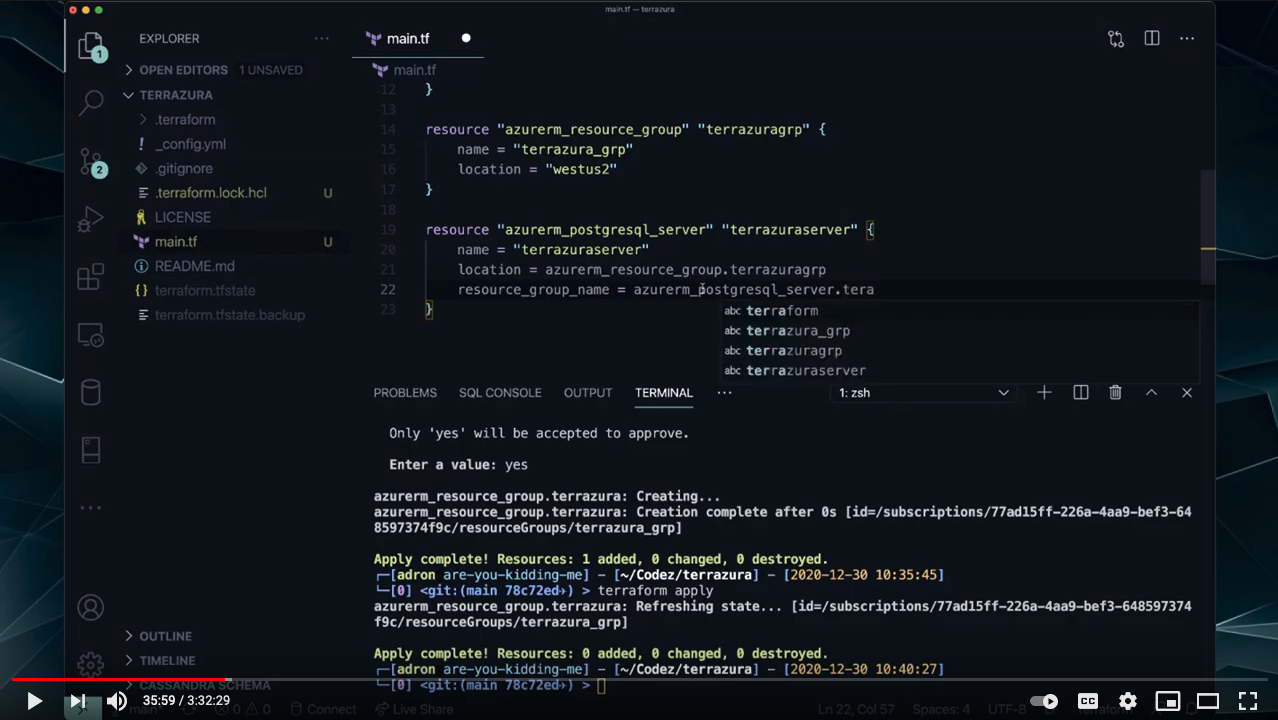
I created this repo https://github.com/Adron/terrazura during a live stream on my Twitch Thrashing Code Channel 🤘 at 10am on the 30th of December, 2020. The VOD is now available on my YouTube Thrashing Code Channel https://youtube.com/thrashingcode. A rough as hell year, but wanted to wrap it up with some solid content. In this stream I tackled a ton of specifics, in detail about getting Hasura deployed in Azure, Postgres backed, a database schema designed and created, using database schema migrations, and all sorts of tips n’ tricks along the way. 3 hours of solid how to get shit done material!
02:49 – Shout out to the stream sponsor, Azure, and links to some collateral material.
14:50 – In this first segment, I start but run into some troubleshooting needs around the provider versions for Terraform in regards to Azure. You can skip this part unless you want to see what issue I ran into.
18:24 – Since I ran into issues with the current version of Terraform I had installed, at this time I show a quick upgrade to the latest version.
27:22 – After upgrading and fighting through trial and error execution of Terraform until I finally get the right combination of provider and Terraform versions.
27:53 – Adding the first Terraform resource, the Azure resource group.
29:47 – Azure Portal oddness, just to take note off if/when you’re working through this. Workaround later in the stream.
32:00 – Adding the Postgres server resource.
44:43 – In this segment I switched over to Jetbrain’s Intellij to do the rest of the work. I also tweak the IDE to re-add the plugin for the material design themes and icons. If you use this IDE, it’s very much IMHO worth getting this to switch between themes.
59:32 – After getting leveled-up with the IDE, I wrap up the #Postgres server resource and #terraform apply it the overall set of resources. At this point I also move forward with the infrastructure as code, with emphasis on additive changes to the immutable infrastructure by emphasizing use of terraform apply and minimizing any terraform destroy use.
1:02:07 – At this time, I try figuring out the portal issue by az logout and logging back in az login to Azure Still no resources shown but…
1:08:47 – eventually I realize I have to use the hack solution of pasting the subscription ID into the
@Azure portal to get resources for the particular subscription account which seems highly counter intuitive since its the ONLY account. 🧐
1:22:54 – The next thing I setup, now that I have variables that need passed in on every terraform execution, I add a script to do this for me.
1:29:35 – Next up is adding the database to the database server and firewall rule. Also we get to see Jetbrains #Intellij HCL plugin introspection at work adding required properties to the firewall resource! A really useful feature.
1:38:24 – Next up, creating the Azure container to deploy our Hasura GraphQL API for #Postgres to!
1:51:42 – BAM! API Server is done and launched! I’ve got a live #GraphQL API up and running in Azure and we’re ready to start building a data model!
1:56:22 – In this segment I show how to turn off the public facing console and shift one’s development workflow to the local Hasura console working against – local OR your live dev environment.
1:58:29 – Next segment I get into schema migrations, initializing a directory structure for Hasura CLI use, and metadata, migrations, and related data. Including an update to the latest CLI so you can see how to do that, after a run into a slight glitch. 😬
2:23:02 – I also shift over to dbdiagram to graphically build out some of the schema via their markdown, then use the SQL export option for #postgres combined with Hasura’s option to execute plain ole SQL via migrations…
2:31:48 – Getting a bit more in depth in this segment, I delve through – via the Hasura console – to build out relationships between the tables and data so the graphql queries can introspect accordingly.
2:40:30 – Next segment, graphql time! I show some of the options of what is available immediately for queries and mutations via the console.
2:50:36 – Then some more details about metadata. I’m going to do a stream with further details, since I was a little fuzzy on some of those details myself, in the very very near future. However a good introduction to what the metadata does for the #graphql API.
2:59:07 – Then as a wrap up to all of this… I nuke EVERYTHING and deploy it all out to Azure again inclusive of schema migrations, metadata, etc. 🤘🏻
3:16:30 – Final segment, I add some data to the database and get into a few basic queries and mutations in #graphql via the #graphiql console interface in #Hasura.