Tonight was the Operators & Developers of Distributed Systems meetup, a meetup series brought about through a convergence of the Seattle Scalability and Cassandra Seattle Organizers.
What I’d like to know, in my efforts to assist in organization of this meetup with the team, is what would you want in future meetups. Currently I’m thinking about a mix of the following types of meetup structures.
First there’s the flow of the events. Would one want workshops, group coding session mixed with a presentation, presentation only, coding only, or some other type of flow to the meetup.
Second, there’s the scheduling of the events. Having a meetup, one per month, is fine. But do participants want more, less frequency, or some other type of frequency of meetups? We could shift the meetups to quarterly, or even go all wild and start a bi-weekly scheduling where once a month we have a workshop or group coding sessions, and the other part of the month we have a presentation.
Third, I’m curious what others would expect, or like to see, and what value they’d want out of a half day or full day mini-conference.
I’d love to get your input on this matter and have put together a Google forms doc here to make it easier to send some information this way regarding these ideas. Thanks for your feedback, ideas, and interest in making future meetups useful and interesting.
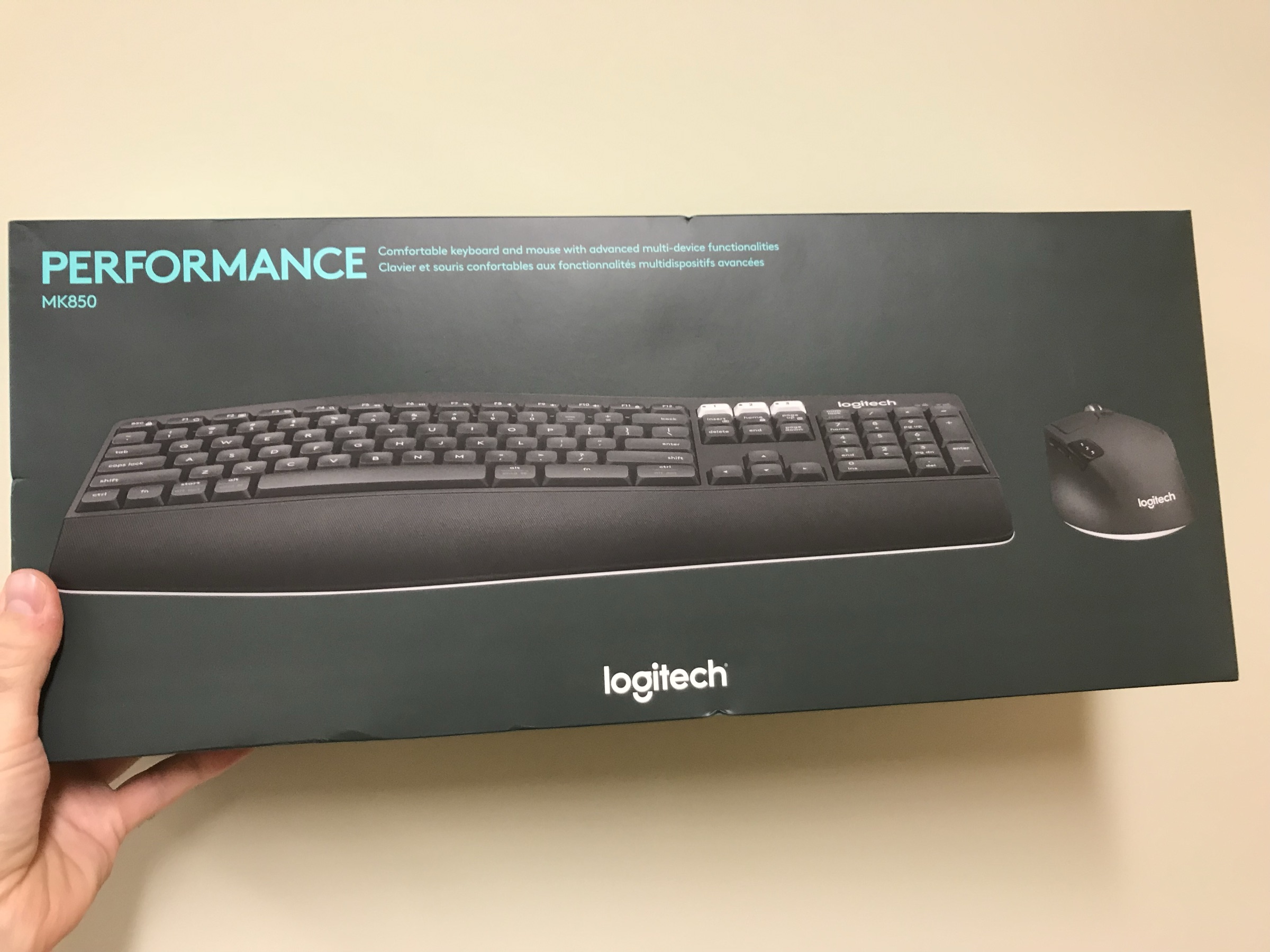
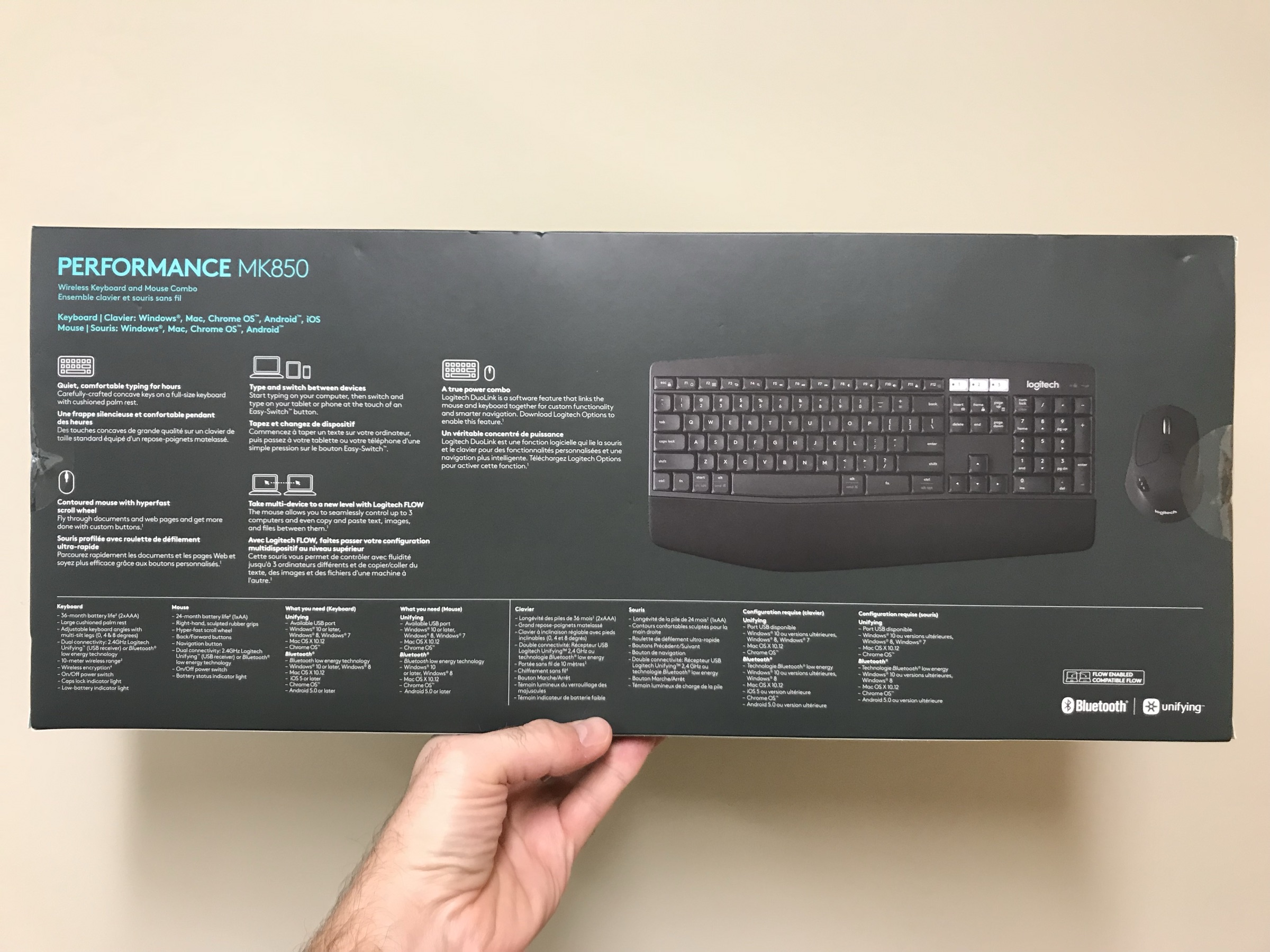
I picked up a Logitech keyboard recently, the MK850 with mouse combo. It was on sale for 80% off, which ran me a mighty $20 bucks. I needed a new keyboard as my Apple keyboard I’ve been using just really doesn’t cut it for a Linux machine. I wanted the function keys and placement of the extra alt, ctrl, and related keys to be in a more traditional placement. This keyboard is a win. However…
Observations
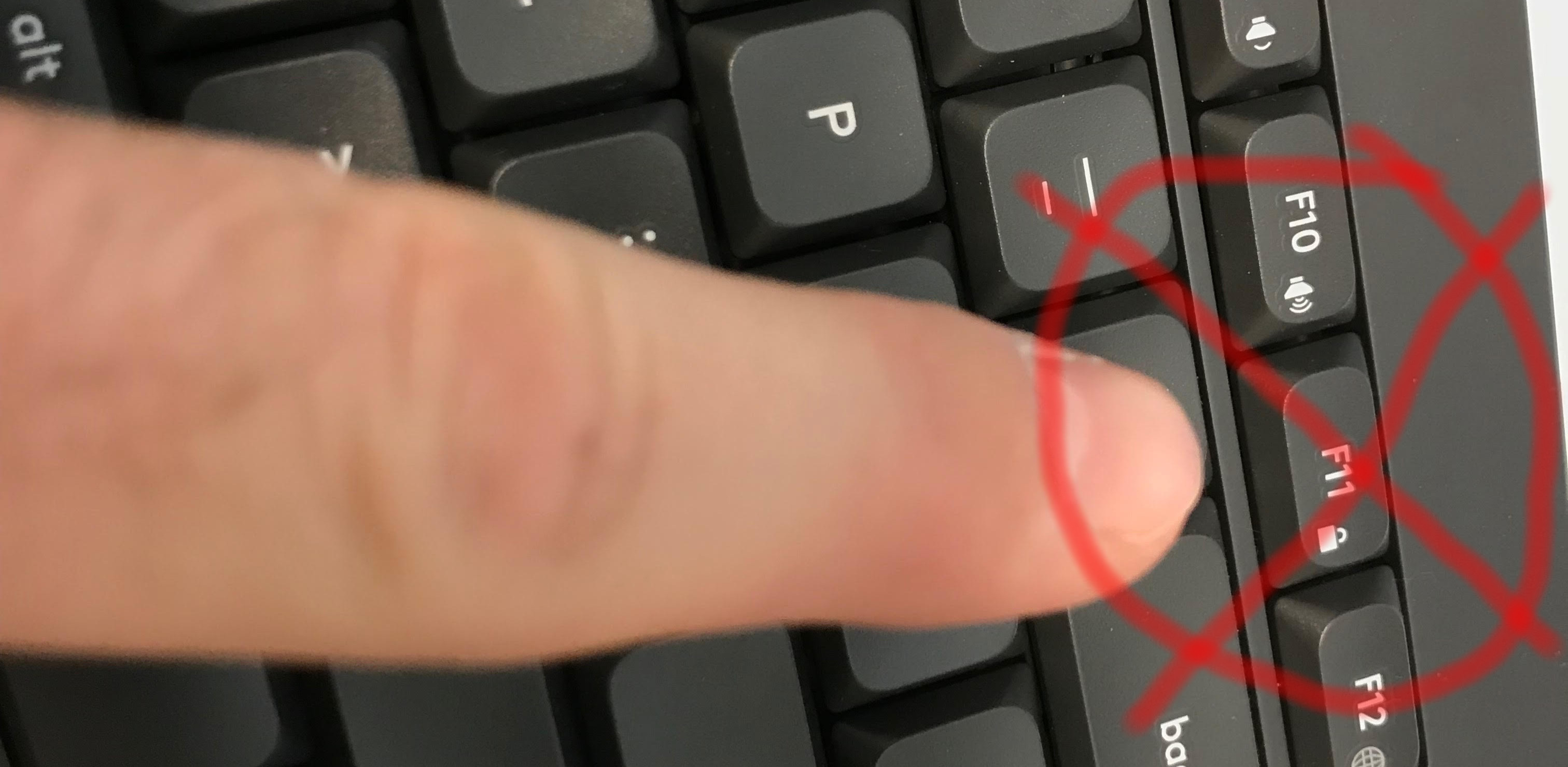
My first observation as I plugged it in to try out, was my attempt to turn up the music, turned into a going to sleep phase for the computer. A few seconds and it was entirely off. This is a full on computer, not a laptop, so I don’t need it to be going to sleep ever. It either needs to be on, completely, or off completely. Let me show you, this key, right here is a damned curse!
The F11 key, right beside the sound up and down function keys, is the sleep and lock key. Completely unacceptable location. I went into emergency mode on this matter.
EMERGENCY
A little research and I went full off mode on sleep, hibernate, and suspend! The commands are as follows.
gsettings set org.gnome.settings-daemon.plugins.power button-hibernate "nothing"
gsettings set org.gnome.settings-daemon.plugins.power button-sleep "nothing"
gsettings set org.gnome.settings-daemon.plugins.power button-suspend "nothing"
Now, if you want those back on however, the commands are specific to the function, as shown below.
gsettings set org.gnome.settings-daemon.plugins.power button-hibernate "hibernate"
gsettings set org.gnome.settings-daemon.plugins.power button-sleep "hibernate"
gsettings set org.gnome.settings-daemon.plugins.power button-suspend "suspend"
Ok, whew. Errr well, maybe not.
I rebooted and that didn’t actually take effect. I did a little more research and found dconf-tools. So I installed that.
sudo apt-get install dconf-tools
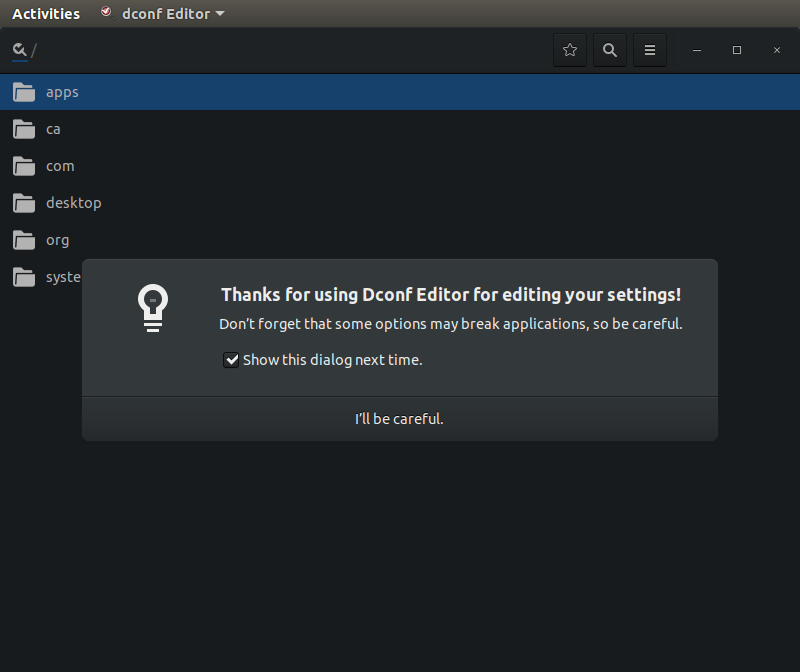
Opened up dconf and navigated toorggnomesettings-daemonplugins and then power.
This editor then showed me what I had technically just set. So that was confirmed, but got me no where. Onward to troubleshooting.
Next research led me to this option. But then I couldn’t actually get the command to pair to it as it seems the fn or function key plus the F11 key doesn’t actually show up when setting the shortcut keys. Thoughts? If you’ve got any ideas I’m out of ideas for now, do comment or tweet @Adron.
On with the observations.
Alright, with that fixed I could refocus on the plusses of the keyboard. It’s paired very nicely with the silent mouse, similar to the mouse I reviewed a while back, the M331 Silent Mouse. The keyboard is also extremely silent, with barely any utterance of noise coming from the keyboard. If you like the loud mechanical style, this is not your keyboard. If you want to focus on music or something else while typing then, this is your keyboard.
With that, my quick review and emergency is done. This might be helpful so typed it up but now it’s time to get back to work on some Go prototyping and some solid tunes from Eastern High. For reference, here’s one of their good ones.
I sat down and made a short video of my systems setup and related gear. I’ve always enjoyed seeing other peoples’ setups so figured I’d join the mix and show you all what I work with. Happy to answer any questions too, cheers!
In addition to the video intro I’ve created some additional repositories and related things that I use frequently that may be useful.
Ubuntu Dev Setup Repository: This repo dev-setup-ubuntu has some installation scripts and related collateral that I use to get virtual machines built in an automated way. The focus of this is for setting up development boxes and not for setting up servers.
In this session I talk through the issues I had previous session (but give context, so no need to re-review it) of the environment variable problems I was having. I detail how Jetbrains Rider deals with environment variables for the user session specifically versus how those are dealt with if you’re using something like Visual Studio Code and its built in terminal. After that I move on to doing some refactoring and moving toward some feature additions.
In this session my friend Jeremy joins to setup PXE boot, net install, Debian loads, configuration, Ansible, and a whole lot more to setup a network and cluster of machines for use. It’s long, but he covers a LOT of ground with plenty off tips and tricks to pick up. NOTE: the sound is rough in some places. Will try to fix that in post-production editing. No promises just yet though, just crank it to 11 in the meantime.
Got some excellent coding and systems setup coming up in the next few days. Also a meetup on the 28th with Tim Kellogg and Alena Hall presenting on some interesting topics around distributed database data working on Kubernetes and WebAssembly of the hot temperament type. A new surprise guest addition on my Twitch channel that is scheduled to swing into Valhalla and help build out a cluster and respective needed DHCP, DNS, and related configuration for a setup on the metal!
August 23rd 10:00am DataStax Academy Twitch Stream – This session will include David and I as we dig into the Killrvideo Reference Application and discuss the pull request with the SSL additions to the code base. We’ll talk through the changes, why they’ve been made, and what advantage they provide for deployment into a multi-cloud environment.
August 24th 1:30pm~ish – Systems Configuration Setup and Cluster Setup on the metal! – This session will include a guest who’s going to step in and help in setup and configuration of a 5 node cluster of systems plus bastion server. Join for a how-to of setup, configuration, and clustering details.
August 24th, 3:33pm – Go Coding on Colligere – In this session I’ve finally gotten to the point where I can start filling out some of the CLI functionality. I’ll be adding over the next few days items to the issues list on Github too. Feel free to add content, or related items to the issue log too!
August 31st, 3:33pm – More Go, More Feature Additions – This session isn’t 100% clarified and ready just yet. But I’ll be there, ready to sling some more Go code and get more features done, more code refactored, and progress made.
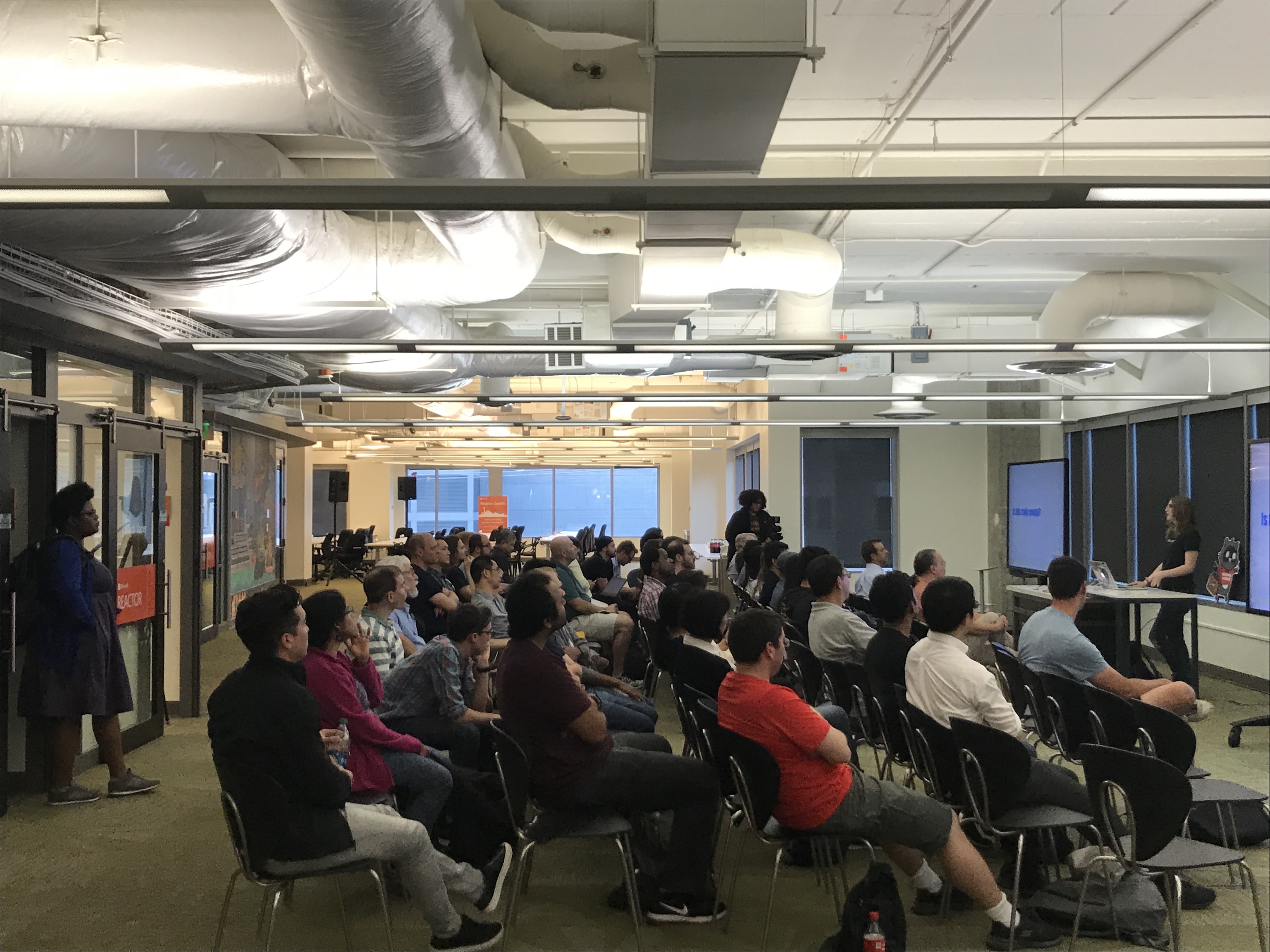
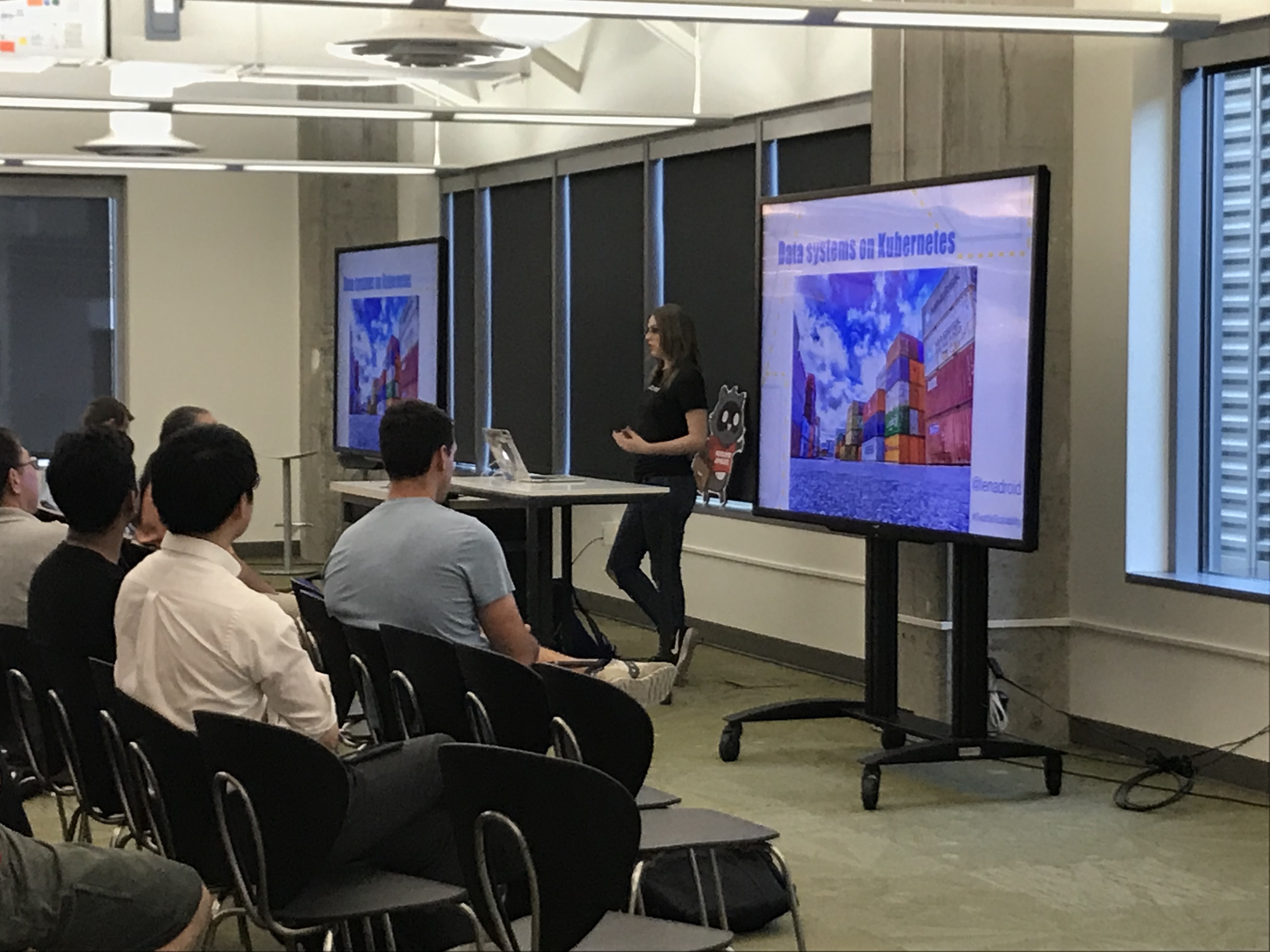 Tonight was the Operators & Developers of Distributed Systems meetup, a meetup series brought about through a convergence of the Seattle Scalability and Cassandra Seattle Organizers.