2025 year in review, it’s imploded. But hey, here’s to hoping for a 2026 that isn’t entirely a dumpster fire. Cheers! Cin! Cin! Sláinte! Şerefe! 乾杯 Salud! Prost! À votre santé! 건배 Skål! Gesondheid! 干杯 Υγεία Tagay! ชนแก้ว будмо Continue reading →
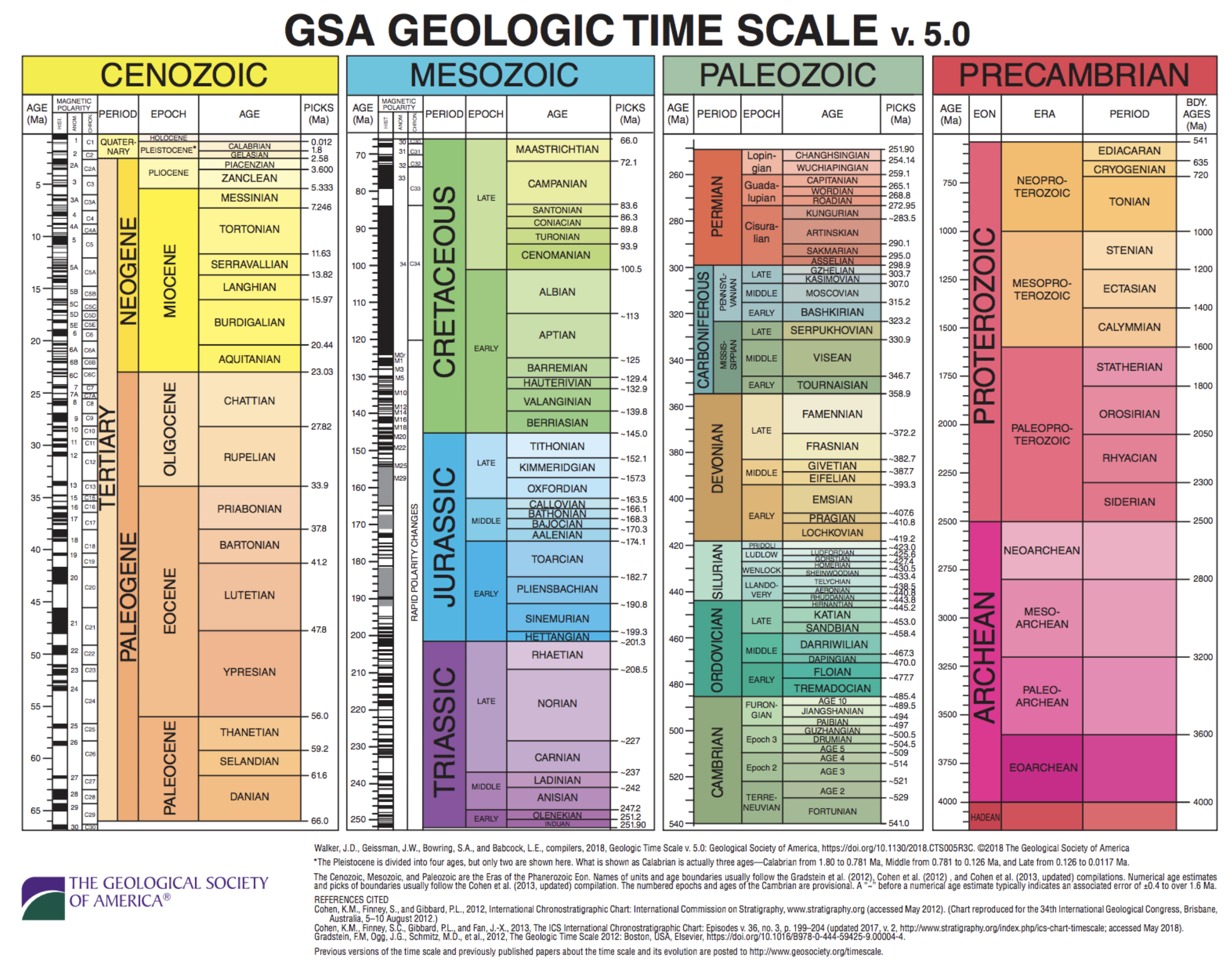
I used an image from The Geological Society of America‘s “Time Scale” but this isn’t about that, but it kind of is and I’ll have a future post about using TimescaleDB to organize “Time Scale” like this, but that’ll be a little bit in the future. For now, I posted that Time Scale for the... Continue reading →
Native PostgreSQL installation on macOS provides optimal performance and control, allowing multiple versions to run concurrently. While Homebrew simplifies setup, managing the service requires knowledge of configurations and system settings. This approach is best for serious development but can be complex compared to alternatives like Postgres.app or Docker. Continue reading →
Docker provides production parity and isolation for PostgreSQL, allowing multiple instances and exact version matching. While it requires Docker Desktop and adds complexity, it ensures predictable, reproducible setups. Docker Compose simplifies version control and sharing configurations. For single-database development, alternatives like Postgres.app may be faster and simpler. Continue reading →
Postgres.app offers a straightforward PostgreSQL setup for macOS, eliminating complex configurations and allowing easy database management. While it’s user-friendly and self-contained, it lacks the ability to handle multiple versions or replicate production environments like Docker. Nonetheless, it’s ideal for developers seeking efficiency in local development without clutter. Continue reading →